Starship 轻量、迅速、客制化的高颜值终端! |
| 仓库地址 | https://github.com/starship/starship |
| 文档 | https://starship.rs/zh-CN/ |
| 平台 | |

 |
简介

兼容性优先
Starship 可以在常见的操作系统和 shell 上运行。 尝试着在各种地方使用它吧!
基于 Rust
Rust 特有的的速度与安全性,让你的提示尽可能的快速可靠。
客制化
每个小细节都可以按您喜欢的客制化,不论是最小化以求速度,还是更大以获得最完善的功能。
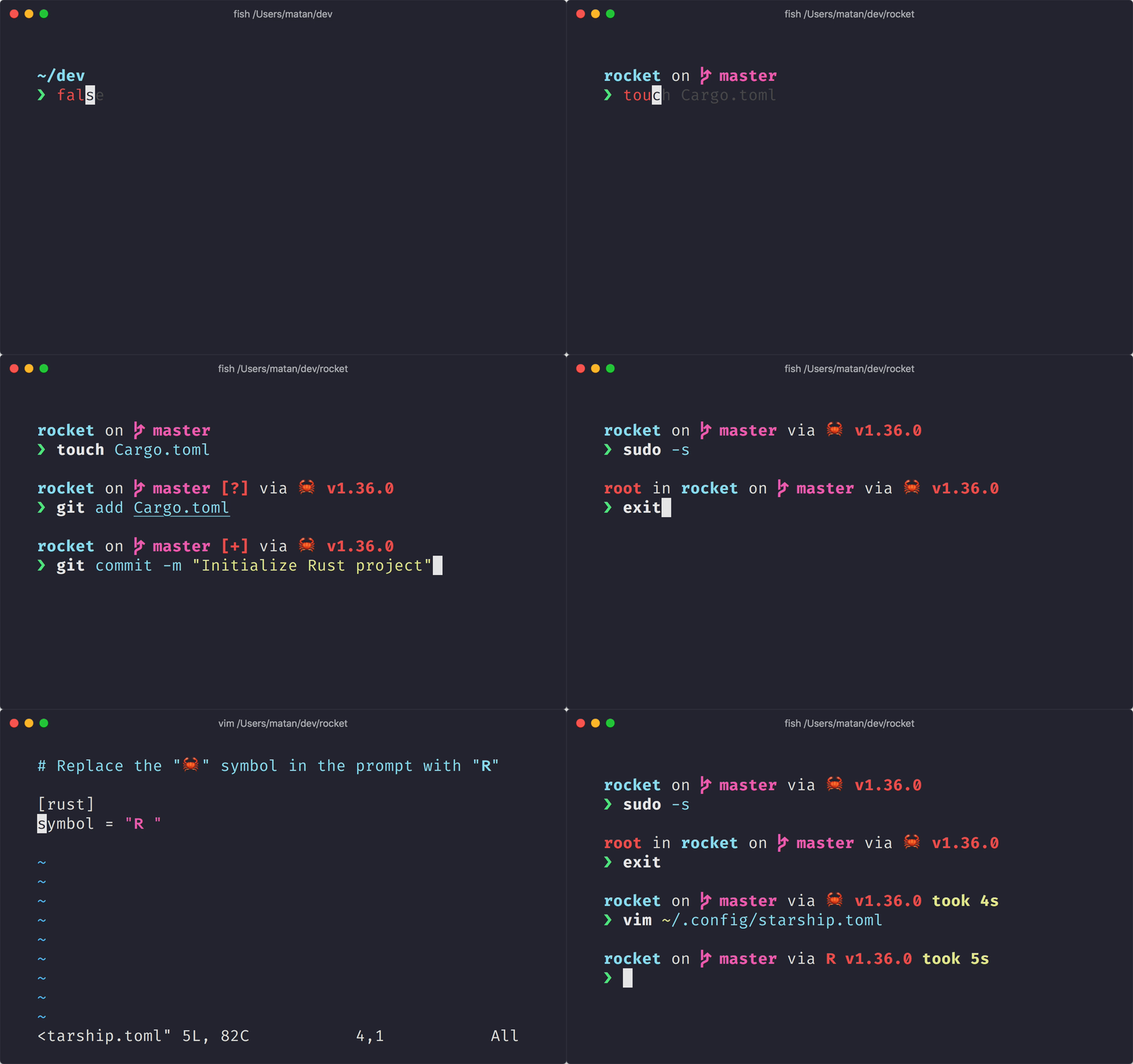
安装
前置要求
安装并在终端启用 Nerd Font 字体(如 Fira Code Nerd Font )。
安装 Starship
Windows
MSI 安装包
在 Release 页面下载 msi 安装
WinGet
shell
| |
Scoop
shell
| |
Chocolatey
shell
| |
Linux
通用安装脚本
shell
| |
Deiban 13+
shell
| |
Ubuntu 25.04+
shell
| |
Arch Linux
shell
| |
Alpine Linux 3.13+
shell
| |
MacOS
通用安装脚本
shell
| |
Homebrew
shell
| |
配置 Shell,以启用 Starship
PowerShell
将以下内容添加到 PowerShell 配置文件的末尾,通过运行 $PROFILE 来获取配置文件的路径
shell
| |
Bash
在 ~/.bashrc 的最后,添加以下内容:
shell
| |
Zsh
在 ~/.zshrc 的最后,添加以下内容:
shell
| |
完成后,打开一个新的 Shell 实例,你应该就能看到漂亮的 Shell 新提示符了。
高级配置(主题/细节修改)
最后更新于